Mailboxes and forwarding
Add addresses people use, plus forwarding and removal
Once a domain is verified, you create addresses people actually use. Admins manage this under Profile → Domains → your domain.
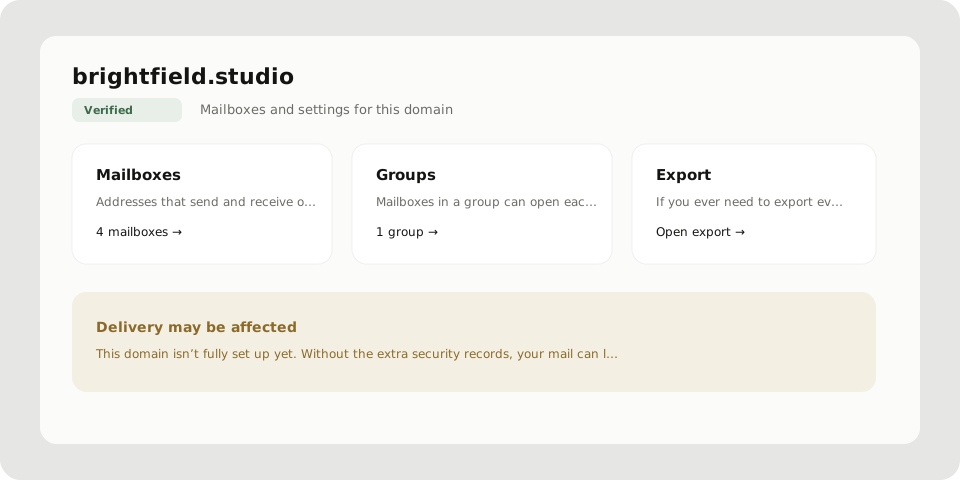
Add a mailbox
- Open the domain → Mailboxes
- Choose Add mailbox (or create one at the end of the domain wizard)
- Set the name before
@and a mailbox password - Open the inbox from the mailbox actions when you are ready
Who can manage mailboxes and exports depends on the domain role: owner, admin, manager, or member.
Forwarding
Forwarding sends a copy of mail that already arrived in mailbox A to another address B. Only someone who manages A can set this. You cannot point someone else’s address at yourself.
For your Postra address, open Profile → Forwarding. On a custom domain, managers open mailbox actions → Set forwarding.
- Pick the mailbox
- Enter any destination email
- Save
The message stays in A, and a copy goes to B. You can add a few destinations per mailbox.
Tags with a plus sign are automatic. Mail to you+newsletter@… or you+billing@… already arrives in you@…. That is not forwarding.
Prefer groups when several Postra mailboxes need to open the same mail: Mailbox groups.
Remove a mailbox
Delete mailbox takes the address out of active use. Admins can still open it read-only, and mail stays on disk for now. When you are ready for the files to go, choose Schedule data deletion. Until then, treat deleted mailboxes carefully if legal holds matter.
Switch which inbox you are in
In the mail sidebar, open the mailbox switcher. Addresses are grouped by domain. If the account is closing, the badge shows read-only.