Mailbox groups
Let several mailboxes on one domain open the same shared mail.
Groups let several mailboxes on the same domain open each other’s mail. Use them for shared roles like support@ when more than one person needs the same inbox without forwarding copies around.
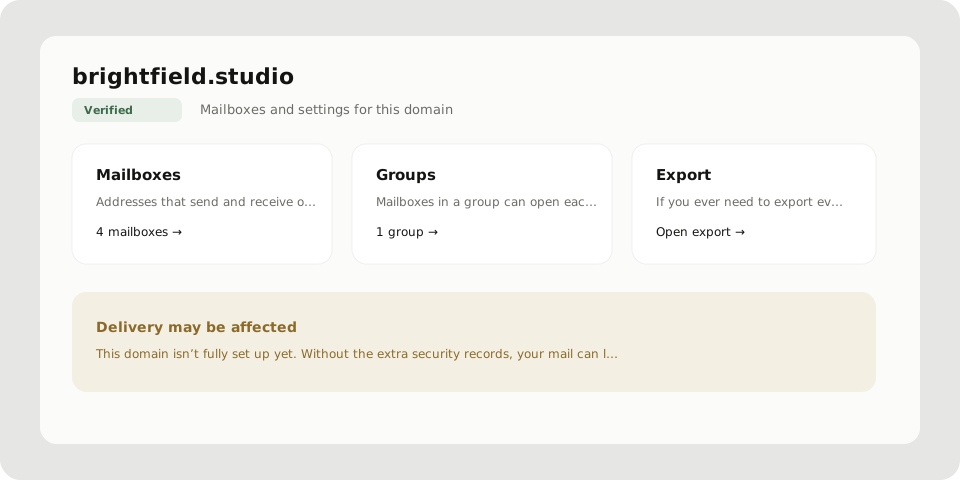
Create a group
- Profile → Domains → open the domain
- Open Groups
- Add group, name it, pick the member mailboxes
- Save
Anyone in the group can open the shared mailboxes through the mailbox switcher, subject to their role on the domain.
Groups vs forwarding
| Need | Use |
|---|---|
| Mail in A also copied to another address | Forwarding |
| Several Postra mailboxes open the same mail | Group |
Plus tags like you+service@… already land in you@…. No forwarding needed for those.
Permissions
Managing groups needs the same kind of domain rights as the other domain tools. Members still need access to the domain; groups do not bypass Owner or Admin boundaries for destructive actions like deleting the domain.
Tips
- Keep groups small and named after the job (
Support,Billing), not after people - When someone leaves, remove their mailbox from the group and from the domain roster
- For a one-off archive of a shared mailbox, use Export